Back to all blogs
Explore 15 AI note-taking apps in 2026 for meetings, interviews, research, studying, and more. Compare key features and find the right tool for your workflow.


Taking notes during a meeting, interview, lecture, brainstorming session, or research discussion can be difficult when information moves quickly. You may be listening to the speaker, capturing important details, and trying to remember follow-up tasks at the same time. As a result, notes can become incomplete, scattered, or difficult to revisit later.
This challenge becomes even more significant when meetings and information take up a large portion of the workday. Microsoft reports that 68% of people don't have enough uninterrupted focus time, while 62% struggle with spending too much time searching for information.
AI note-taking apps help solve these challenges by automatically capturing, organizing, summarizing, and retrieving information from conversations and other sources. Depending on the tool, they can transcribe meetings, generate summaries, identify action items, answer questions about documents, convert voice into written notes, or help students organize and review learning material.
However, not every AI note-taking app is designed for the same purpose. Some focus on meetings and interviews, while others are built for research, handwritten notes, studying, personal knowledge management, or voice-based idea capture.
In this guide, we cover 15 AI note-taking apps to consider in 2026, including their key features, ideal use cases, and the workflows they support. Whether you need an AI meeting notetaker, a research assistant, a study tool, or an interview-focused solution, this list can help you identify an option that fits your needs.
All 15 AI Note-Taking Apps at a Glance
App | Short Definition |
AI-powered platform for interview notes, monitoring, and insights. | |
Notion AI | AI workspace for creating and organizing notes and information. |
Google NotebookLM | AI research notebook for working with your own sources. |
Otter.ai | AI tool for transcribing and summarizing conversations. |
Fireflies.ai | AI meeting notetaker for transcripts, summaries, and action items. |
Fathom | AI meeting assistant for recording, transcribing, and summarizing meetings. |
Granola | AI meeting notetaker that works alongside your personal notes. |
Notta | AI transcription tool for meetings, interviews, and recordings. |
Tactiq | Browser-based AI notetaker for online meetings. |
Goodnotes | Digital notebook for handwriting, documents, and study. |
Notability | Note-taking app combining handwriting, audio, and study tools. |
Microsoft OneNote | Digital notebook for organizing different types of notes. |
RemNote | Note-taking and learning platform with spaced repetition. |
Evernote | Note-taking app for capturing, organizing, and finding information. |
Lindy | Lindy works as an AI assistant you can text to take meeting notes, summarize them, and then execute post-meeting tasks. |
Top 15 AI Note-Taking Apps in 2026
AI note-taking apps can help turn conversations, research material, lectures, and spoken ideas into organized information that is easier to review and use. Depending on the platform, they can transcribe conversations, generate summaries, extract action items, analyze documents, support handwritten notes, or turn voice recordings into written content.
However, these tools are designed for different workflows. Meeting-focused apps prioritize transcription and conversation summaries, while research tools work with documents and source material. Other platforms focus on studying, handwriting, personal knowledge management, or capturing ideas through voice.
Below, we've selected 15 AI note-taking apps to consider in 2026, covering different use cases for professionals, recruiters, students, researchers, teams, and individual users. Each section highlights the app's key features and the type of workflow it is best suited to support.
1. Sherlock AI - Best for AI-Powered Interview Note-Taking
Sherlock AI is an AI-powered interview intelligence platform designed to help organizations capture, organize, and analyze information during remote interviews. Its AI note-taking capabilities help recruiters and hiring managers document important points from interviews while also providing additional context around candidate activity and interview integrity.
Instead of requiring interviewers to divide their attention between speaking with a candidate and manually documenting every detail, Sherlock AI can generate structured interview notes and summaries from the conversation. This allows hiring teams to spend more time evaluating candidates while keeping a record of important information for post-interview review.
Sherlock AI goes beyond basic interview transcription by combining AI-powered note-taking, interview insights, behavioral analysis, and real-time monitoring. Its multimodal approach can use video, audio, and system-level activity to provide additional context around what happens during a remote interview.

Key Features
AI-Powered Interview Note-Taking: Captures important information from interviews and organizes it into structured notes, reducing the need for manual documentation.
Automated Interview Summaries: Converts lengthy interview conversations into concise summaries that help recruiters and hiring managers review discussions more efficiently.
Multimodal Interview Monitoring: Analyzes relevant video, audio, and system activity to provide broader context during remote interviews.
AI Assistance Detection: Identifies potential use of external AI tools, browser plugins, hidden prompts, or other forms of external assistance during interviews.
Identity Verification: Helps verify that the person participating in an interview is the expected candidate.
Behavioral Pattern Analysis: Examines patterns such as response timing, typing behavior, and other interview activity to provide additional context.
Timestamped Evidence: Connects detected events with specific moments in an interview, making it easier for recruiters to review relevant sections.
Interview Integrity Reports: Brings together relevant alerts, detected events, and interview insights for post-interview review.
Who Is Sherlock AI Best For?
Sherlock AI is particularly suited to recruiters, hiring teams, and organizations conducting remote technical or high-stakes interviews that need both structured interview notes and additional visibility into interview activity.
Its main differentiator is that it combines AI interview note-taking with interview integrity and monitoring capabilities, rather than focusing only on transcription or meeting summaries.
Learn more about - Future of Hiring Interviews: Automated Notes + Fraud Detection in One |
|---|
2. Notion AI
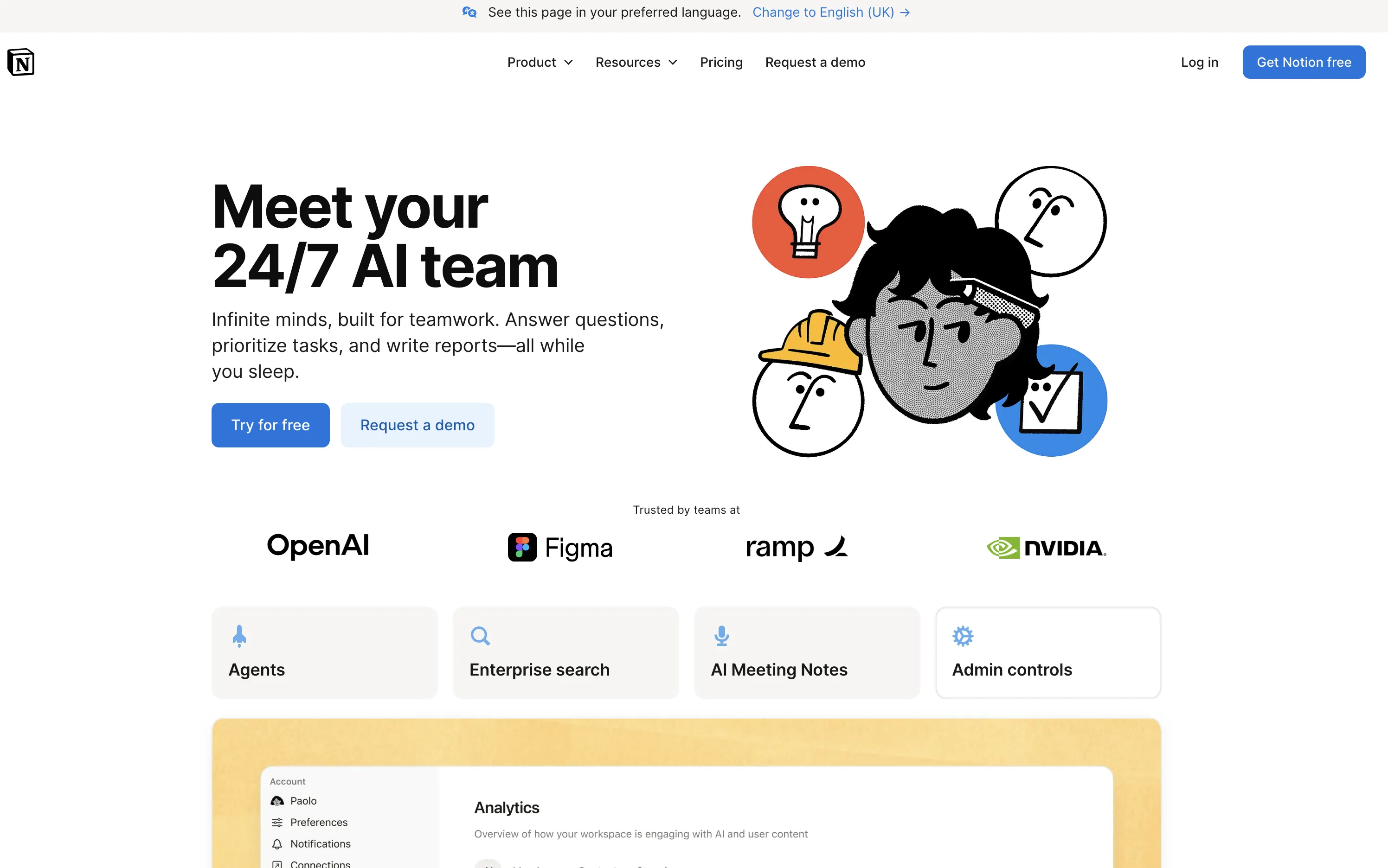
Notion AI is built into a broader workspace rather than existing only as a meeting transcription tool. Its main advantage is the connection between notes, documents, databases, projects, tasks, and team knowledge.
For users who already organize their work in Notion, AI-assisted note-taking can happen in the same environment where the resulting information will be used. A meeting note can sit beside project documentation, a task database, product requirements, or internal knowledge instead of becoming another isolated document.
Key Features
AI Meeting Notes: Helps capture and organize information from meetings so users do not have to document every detail manually.
AI Summaries: Condenses lengthy pages, documents, and information into shorter content that is easier to review.
Workspace Search: Helps users find information stored across their Notion workspace without manually checking individual pages.
Writing Assistance: Can rewrite, summarize, expand, and restructure existing content directly within the workspace.
Connected Project Information: Keeps notes close to related projects, tasks, databases, and documentation so information can continue to be used after a meeting ends.
Custom Workspace Structure: Allows teams to build their own note-taking system around the way they organize projects and information.
3. Google NotebookLM
Google NotebookLM is designed around working with sources provided by the user. Rather than focusing mainly on recording live conversations, it helps users understand and interact with collections of information.
Users can bring documents and other reference material into a notebook and then ask questions, generate summaries, and explore relationships between different sources. This makes it particularly useful when the main challenge is understanding information rather than simply recording it.
Key Features
Source-Grounded Answers: Answers questions using the information provided in the notebook, helping users stay connected to their source material.
Research Assistance: Helps identify important themes, connections, and information across multiple sources.
Document Summarization: Turns lengthy documents into shorter explanations that are easier to understand and review.
Interactive Notebooks: Keeps related sources together so users can continue exploring one topic without switching between multiple documents.
AI Analysis: Allows users to examine information through questions and prompts instead of relying only on traditional keyword searches.
Multiple-Source Workflows: Supports working with collections of documents and reference material rather than limiting users to one source at a time.
4. Otter.ai
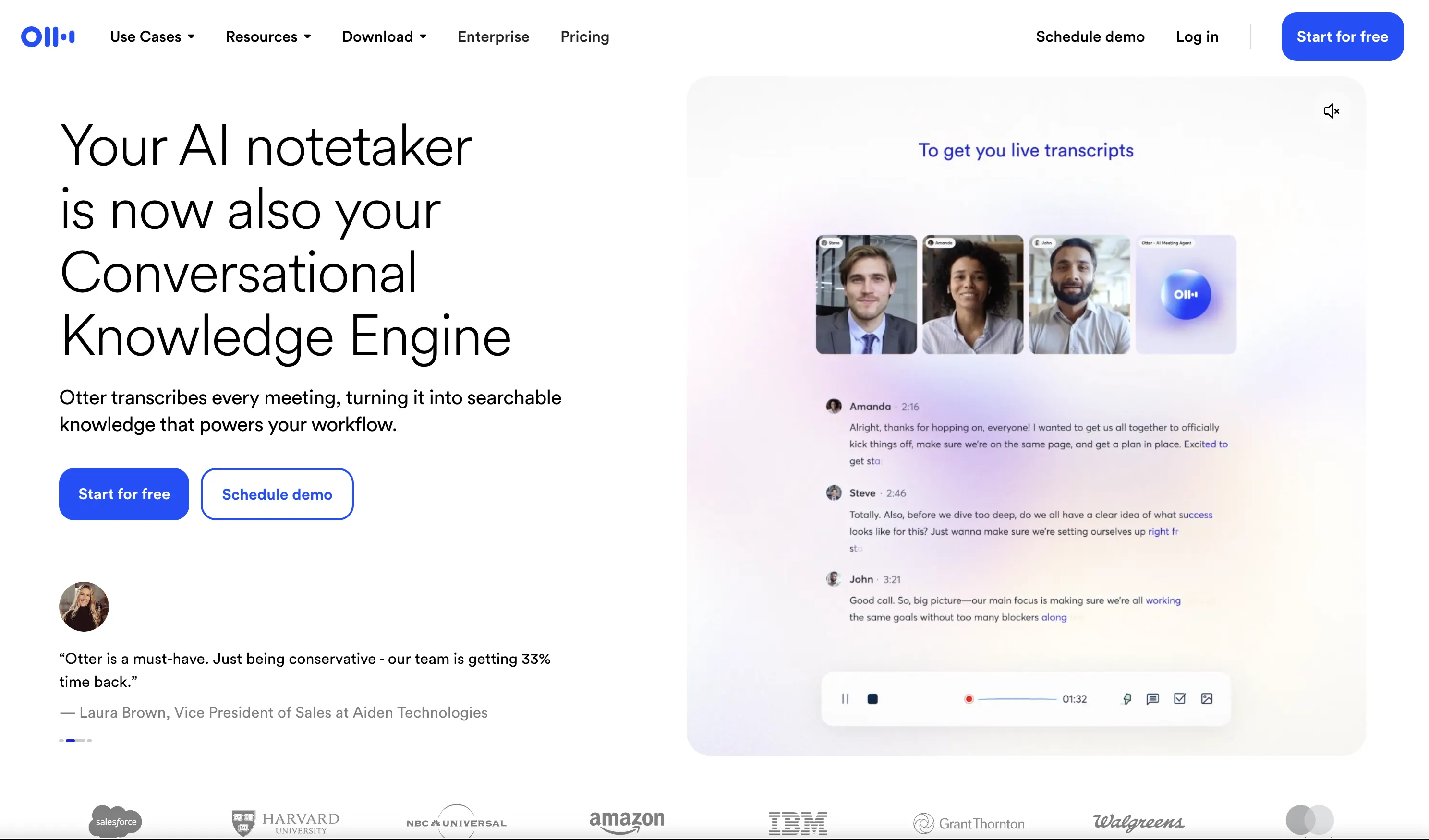
Otter.ai focuses heavily on spoken conversations. It can turn meetings, interviews, discussions, and recordings into searchable text and then use AI to make that information easier to review.
The platform is useful when users need to return to specific details from a conversation without replaying an entire recording. The transcript provides the underlying record, while summaries and AI tools make the captured information easier to work with.
Key Features
Live Transcription: Converts spoken conversations into text as they happen, giving users a written record without requiring manual typing.
Speaker Identification: Helps distinguish between different participants so users can understand who said what during a conversation.
AI Summaries: Condenses longer conversations into shorter meeting notes that highlight the main information.
AI Chat: Allows users to ask questions about captured conversations and find specific information without going through the entire transcript.
Meeting Integrations: Connects with supported online meeting workflows so conversations can be captured without creating a separate manual recording process.
Searchable Transcripts: Makes it easier to find specific words, topics, or sections from previous conversations.
5. Fireflies.ai
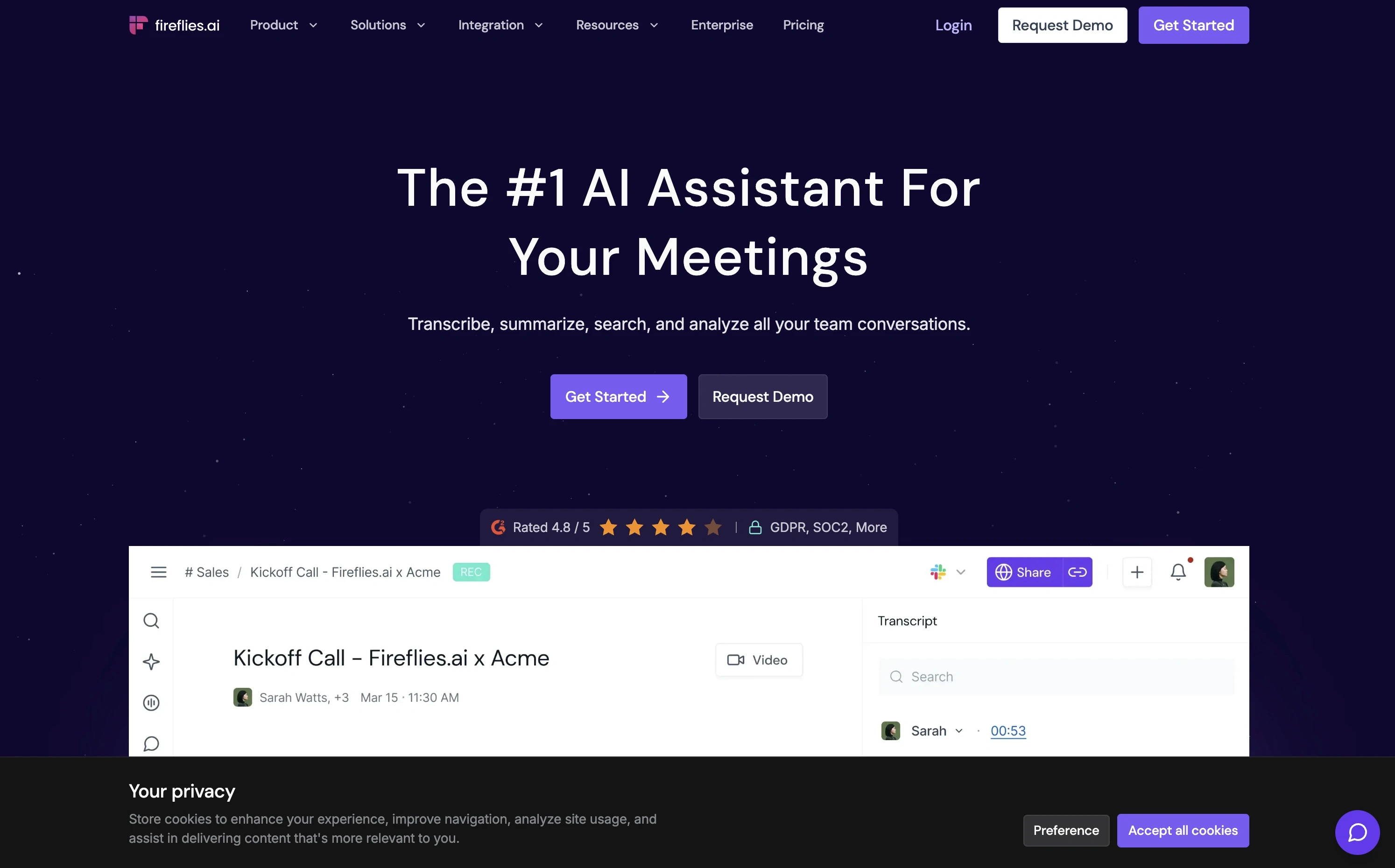
Fireflies.ai is built around meeting intelligence rather than basic transcription alone. It combines meeting capture with transcripts, summaries, action items, search, and AI assistance.
The platform is designed to keep meeting information useful after a call ends. Instead of treating every transcript as a separate record, users can search previous discussions, identify follow-up work, and return to important parts of conversations.
Key Features
AI Meeting Notetaker: Captures and processes supported online meetings so users can focus on the conversation instead of writing notes manually.
Live Transcription: Creates a written record of spoken discussions that can be reviewed after the meeting.
AI Summaries: Turns longer conversations into structured summaries containing the main points and information discussed.
Action-Item Extraction: Identifies tasks and follow-up points from meetings so they are easier to track after the conversation.
AI Meeting Queries: Lets users ask questions about previous meetings and retrieve relevant information from captured conversations.
Searchable Meeting History: Makes it possible to search through previous meetings instead of relying on memory or manually maintained notes.
6. Fathom
Fathom focuses on making meeting documentation easier by handling much of the recording, transcription, and summarization process automatically.
Its workflow is relatively direct: capture the conversation, generate useful notes, and return to important information after the meeting. This makes it relevant to professionals who regularly attend sales calls, customer meetings, recruiting conversations, or internal discussions.

Key Features
Automatic Meeting Capture: Records supported online meetings so users can return to the conversation later.
AI Summaries: Produces concise recaps from longer conversations, making important information quicker to review.
Action Items: Identifies follow-up tasks discussed during a meeting so users can keep track of what needs to happen next.
Conversation Review: Makes it easier to return to important sections of a meeting without reviewing the entire conversation.
Meeting Sharing: Allows useful meeting information to be shared with colleagues who were not present during the original conversation.
Workflow Integrations: Helps move meeting information into other tools and business workflows after a call.
7. Granola
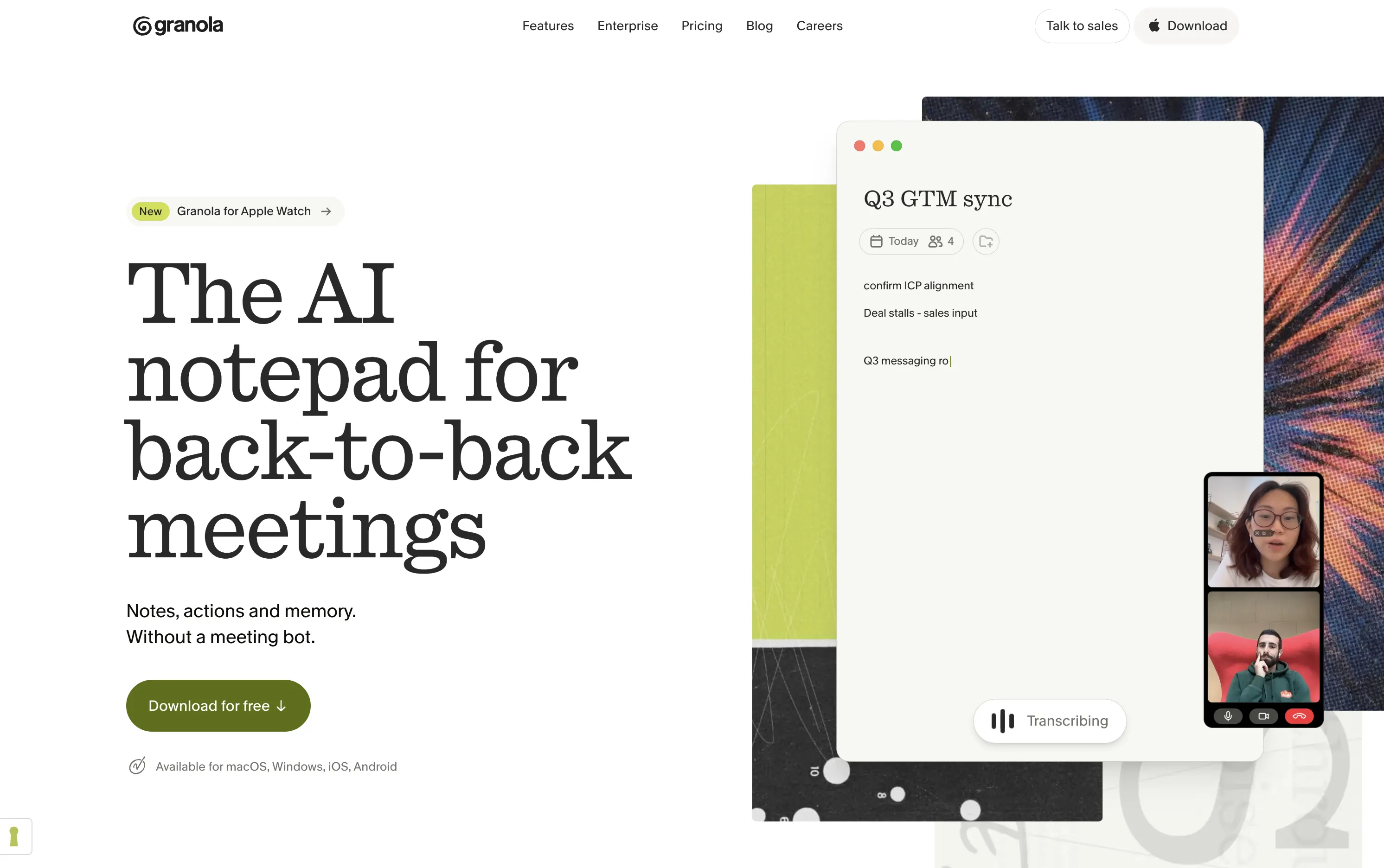
Granola takes a more personal approach to meeting notes. Instead of treating automated transcription as a replacement for the user’s own notes, it combines what the user writes with AI-generated context from the conversation.
This creates a different experience from traditional meeting assistants. The user’s own observations remain important, while AI helps make those notes more complete and useful.
Key Features
AI-Assisted Meeting Notes: Uses meeting context to add useful information around the notes created by the user.
Personal Note-Taking: Allows users to continue writing their own observations during a meeting instead of relying entirely on automated notes.
Context Enrichment: Adds additional context to manually captured points so the final notes provide a fuller picture of the conversation.
Meeting History: Keeps previous meeting notes available so users can return to earlier discussions when needed.
AI Chat: Allows users to interact with captured meeting information and find relevant details through questions.
Templates: Supports repeatable note structures for recurring meetings and different types of conversations.
8. Notta
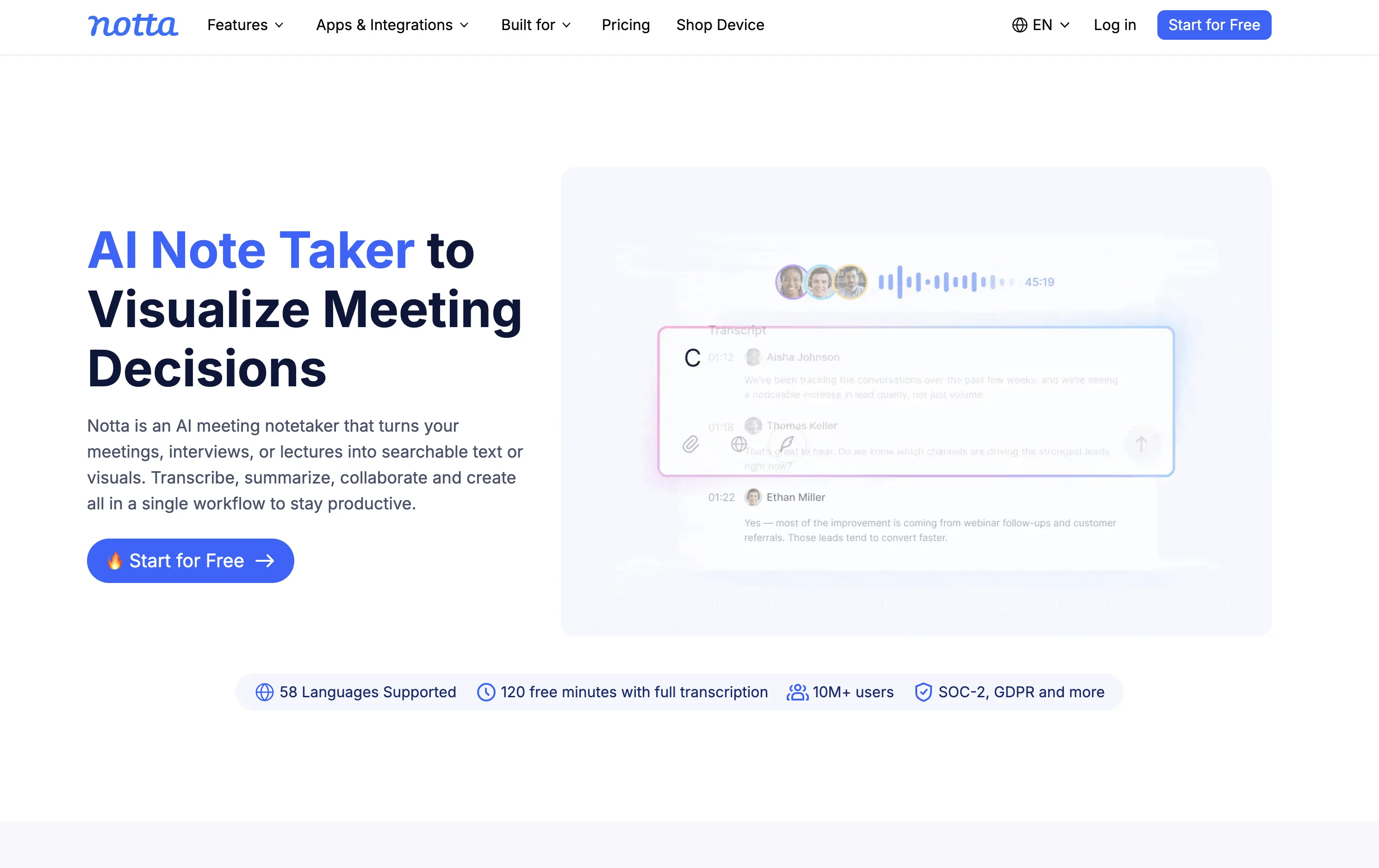
Notta combines transcription, meeting capture, AI summaries, and multilingual workflows in a single platform. It can work with online meetings as well as uploaded recordings.
The platform is particularly useful when note-taking starts with spoken information but does not always happen in the same environment. Meetings, interviews, lectures, and recorded conversations can all be converted into searchable text and structured information.
Key Features
Online Meeting Transcription: Captures conversations from supported meeting platforms and converts them into written transcripts.
Real-Time Transcription: Converts spoken information into text during supported recordings so users can follow the conversation in written form.
AI Summaries: Condenses longer transcripts into shorter notes that are easier to review.
Speaker Identification: Helps separate different participants in a recorded conversation.
Audio and Video Transcription: Allows users to process existing recordings instead of limiting note-taking to live meetings.
Translation Features: Supports workflows involving multiple languages by helping users translate captured spoken information.
9. Tactiq
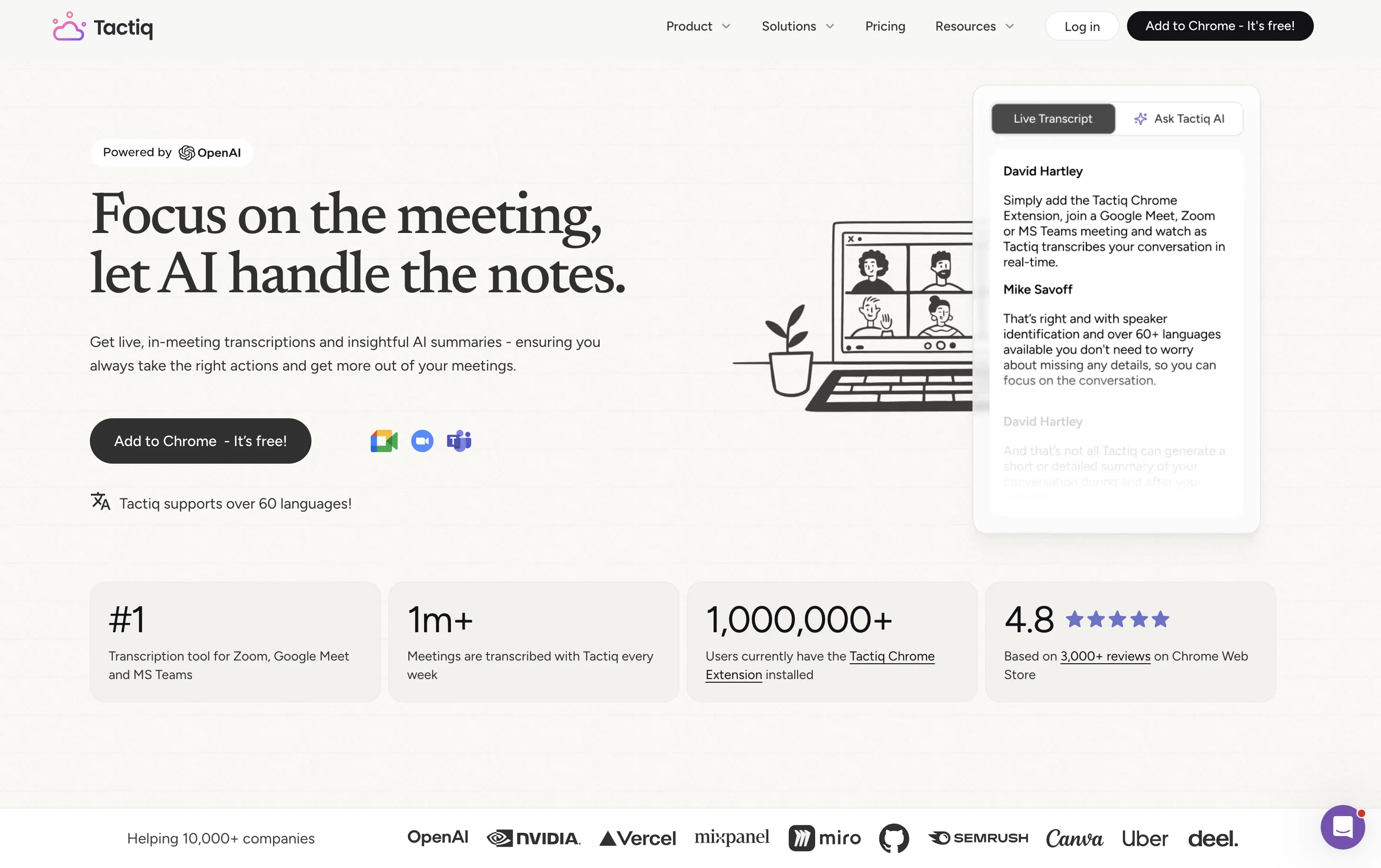
Tactiq is designed around browser-based meetings, making it particularly convenient for people who spend much of their working day in platforms such as Google Meet, Zoom, or Microsoft Teams.
Its approach keeps transcription and AI assistance close to the meeting itself. Users can capture meeting information through a browser-based workflow and then work with the resulting transcript afterward.
Key Features
Live Meeting Transcription: Captures spoken content during supported online meetings and turns it into written information.
AI-Generated Summaries: Converts longer meeting conversations into concise notes for quicker review.
Action-Item Extraction: Identifies tasks and follow-up points from conversations so users can keep track of next steps.
AI Insights: Provides additional ways to analyze and work with information captured during meetings.
Browser Extension: Keeps the note-taking workflow close to the browser, making it easier to use alongside supported online meetings.
Export and Sharing: Allows users to move transcripts and meeting information into other tools or share them with colleagues.
10. Goodnotes
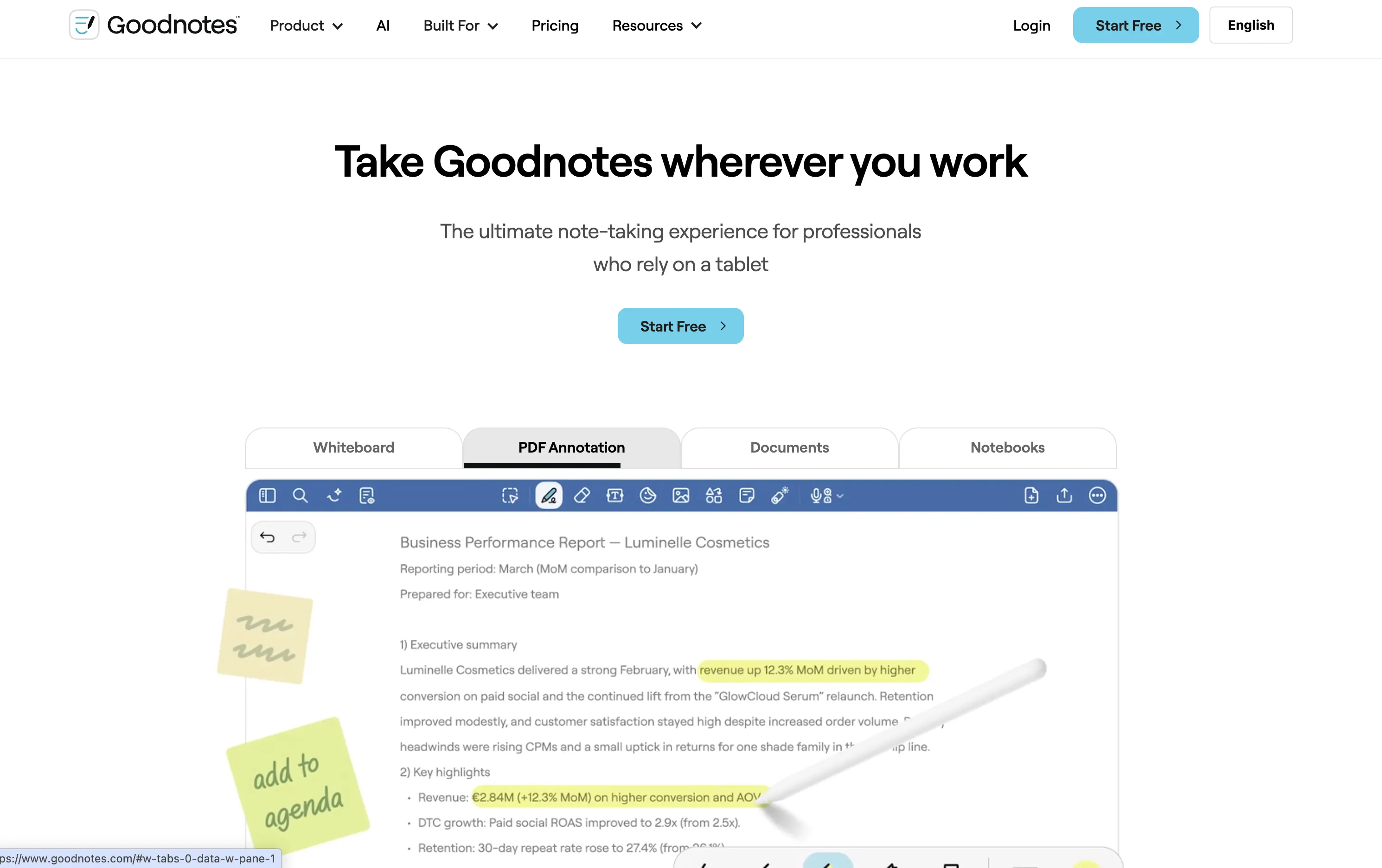
Goodnotes is primarily known as a digital handwriting and document application, but its AI capabilities make it relevant to modern note-taking workflows.
Instead of requiring users to replace handwriting with typing or automatic transcription, Goodnotes combines handwritten notes, PDFs, documents, and AI-assisted features. This makes it particularly useful for people whose note-taking involves writing, drawing, annotating, and studying.
Key Features
Digital Handwriting: Allows users to create handwritten notes using a compatible stylus or device.
PDF Annotation: Lets users highlight, write on, mark up, and organize documents directly within their notes.
Handwriting Recognition: Helps turn handwritten information into searchable content so users can find notes later.
AI Study Features: Uses AI to help users interact with and review learning material.
Audio-Related Workflows: Allows users to combine written notes with captured spoken information where supported.
Document Organization: Keeps notebooks, documents, and reference material together so users can access related information in one place.
11. Notability
Notability combines handwriting, document annotation, audio recording, transcription, and AI-powered study features. Its design makes it particularly relevant to students and people who want their notes to remain connected to the material they are learning.
Instead of separating written notes from recordings and study material, the application brings these elements together so users can review information from different formats.

Key Features
Handwritten Notes: Supports writing and drawing with a compatible stylus, making it useful for students who prefer writing notes by hand.
Audio Recording: Allows users to capture spoken material while taking notes so they can return to the discussion later.
Audio Transcription: Converts supported recordings into searchable text, making it easier to find information from captured audio.
AI Summaries: Helps condense longer notes and captured information into shorter content for review.
AI Quizzes and Flashcards: Turns learning material into practice questions and revision resources.
PDF Annotation: Allows users to work directly on lecture slides, textbooks, and other documents while keeping their annotations with the material.
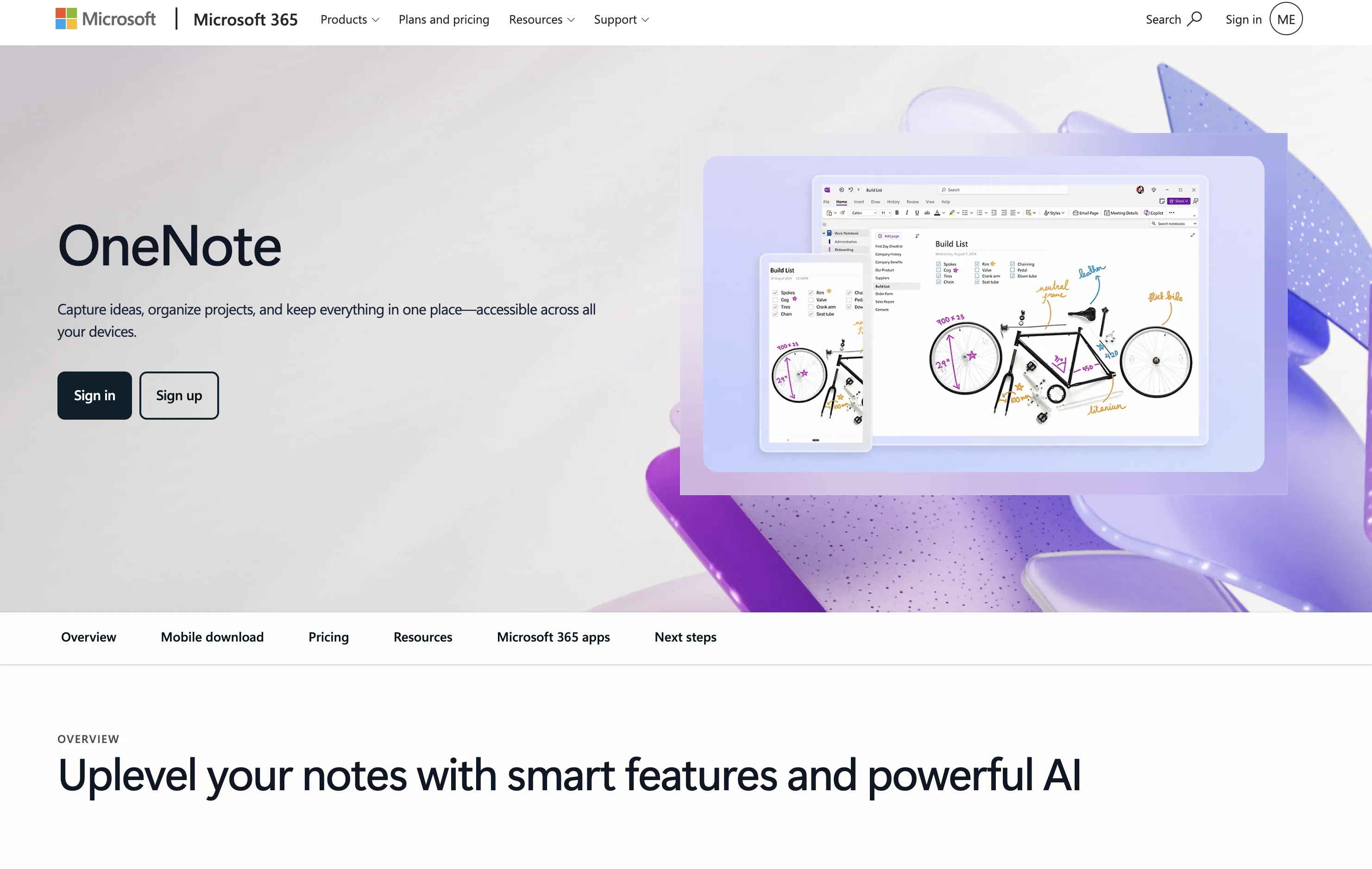
12. Microsoft OneNote
Microsoft OneNote remains a flexible digital notebook for capturing information in different formats. Its position inside the Microsoft ecosystem makes it especially relevant to people who already use Microsoft 365 for work or study.
OneNote can accommodate typed notes, handwriting, images, links, documents, and other material. Supported AI capabilities through Microsoft’s broader ecosystem can add assistance to the traditional notebook experience.
Key Features
Flexible Notebooks: Organizes information into notebooks, sections, and pages so users can structure notes according to their needs.
Handwriting Support: Allows users to write and draw on compatible devices instead of relying only on typed notes.
Multimedia Notes: Supports text, images, links, documents, and other types of information within the same notebook.
Microsoft Ecosystem Integration: Works alongside other Microsoft productivity tools, making it easier for existing Microsoft users to keep their information connected.
AI Assistance: Eligible Microsoft 365 users can access supported AI and Copilot-related capabilities depending on their account and plan.
Searchable Information: Helps users find information stored across their accumulated notes instead of manually checking individual pages.
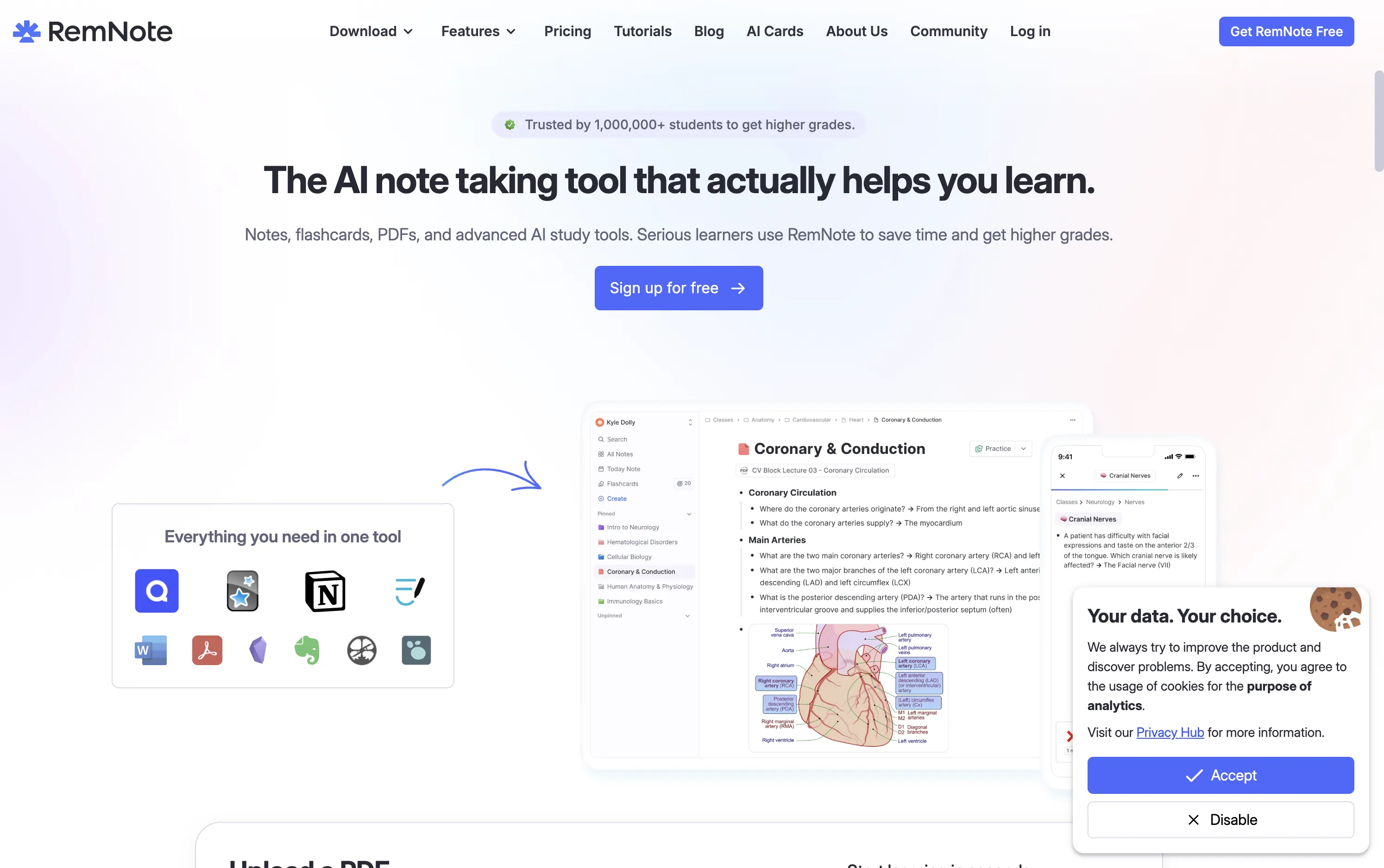
13. RemNote
RemNote combines note-taking with tools designed around learning and long-term knowledge retention. Instead of treating notes as information that is simply stored, it connects them with systems that help users review and remember important concepts.
This makes RemNote different from meeting-focused applications. Its goal is not only to capture information but also to turn that information into knowledge that can be revisited over time.
Key Features
Linked Notes: Connects related concepts and information so users can build relationships between different pieces of knowledge.
Spaced Repetition: Helps users review information at intervals designed to support long-term retention.
Flashcards: Allows users to turn notes and concepts into revision cards without creating every card separately.
AI Assistance: Helps users create, organize, and work with learning content.
Structured Knowledge: Organizes information around connected concepts rather than treating every note as an isolated page.
Study Workflows: Combines notes, references, flashcards, and revision tools within the same learning environment.
14. Evernote
Evernote is a long-established note-taking platform that has developed into a broader system for capturing, organizing, searching, and retrieving information.
Its strength is not limited to meetings. Users can collect text, documents, images, scanned material, web content, and other information in one place and return to that material later.

Key Features
Multi-Format Note Capture: Allows users to store text, images, documents, scans, and other information within their notes.
Search: Helps users retrieve older information from a large collection of notes instead of manually looking through individual pages.
Document Scanning: Allows physical documents and other printed information to be captured and stored digitally.
AI-Assisted Organization: Uses AI capabilities to help users work with and organize information stored in their notes.
Web Capture: Allows useful online information to be saved for later reference instead of keeping separate browser bookmarks.
Cross-Device Synchronization: Keeps notes available across supported devices so users can access their information from different locations.
15. Lindy
Lindy takes an AI-assistant approach to meeting note-taking. Instead of simply transcribing conversations and generating summaries, it can capture meeting notes, identify key decisions and action items, and help turn those notes into follow-up tasks, reminders, and other work.
This makes Lindy different from traditional meeting-focused note-taking applications. Its goal is not only to document what happened during a meeting but also to help users act on the information afterward. Users can interact with Lindy using natural language to summarize meetings, extract action items, and handle follow-up work across connected applications.

Key Features
Meeting Summaries: Turns lengthy meeting conversations into concise summaries that are easier to review and understand.
Meeting Q&A: Allows users to ask questions about previous meetings and retrieve relevant information using natural language.
Action Item Extraction: Identifies tasks, decisions, and follow-up points from meetings so important next steps are easier to track.
AI-Powered Follow-Up: Helps turn meeting notes into follow-up actions such as tasks, reminders, and emails.
Human Approval: Allows users to review and approve certain actions before Lindy carries them out.
Natural-Language Interaction: Lets users give instructions in plain language without requiring them to build complex workflows manually.
App Integrations: Connects meeting information with other applications so users can incorporate notes and follow-up tasks into their existing workflows.
Security and Compliance: Provides security and compliance capabilities for organizations handling sensitive meeting and business information.
How to Choose the Right AI Note-Taking App
Choosing an AI note-taking app depends on how you capture information, what you need the app to do with your notes, and where those notes fit into your existing workflow. Before choosing a tool, consider the following factors.
1. Identify Your Primary Use Case
Start by considering what you need to capture most often.
If you primarily attend meetings or interviews, look for features such as transcription, speaker identification, AI-generated summaries, action-item extraction, search, and integrations with your meeting or recruitment tools.
If you work mainly with research and documents, source management, document analysis, and AI-powered question answering may be more important than live transcription.
For students, features such as handwriting support, audio recording, transcription, flashcards, and study tools may be more useful.
2. Consider How You Prefer to Take Notes
Different AI note-taking apps support different input methods.
Some tools are designed around typing and automated meeting transcription, while others support handwriting, audio recording, or voice-based note capture.
For example, people who prefer taking handwritten notes may benefit from a digital notebook designed for handwriting, while users who frequently capture ideas while speaking may prefer a voice-first AI note-taking tool.
Choose an app that matches the way you naturally capture information rather than changing your workflow to accommodate the software.
3. Look at What Happens After the Note Is Created
Creating a note is only the first step. Consider how you will use the information afterward.
Depending on your workflow, you may want to:
Search previous meetings or conversations
Generate summaries and action items
Ask questions about captured information
Connect notes with projects and tasks
Create study material such as flashcards
Share notes with teammates
Turn voice recordings into polished written content
An AI note-taking app becomes more useful when it helps you move from capturing information to actually using it.
4. Check Integrations With Your Existing Tools
Integration can make a significant difference to your workflow. If your work already happens inside platforms such as Microsoft 365, Google Workspace, Notion, Zoom, or other productivity tools, check whether the note-taking app works with the services you already use.
A tool that fits into your existing workflow may require less manual copying, exporting, or switching between applications.
5. Review Privacy and Data Handling
Privacy should be an important consideration when choosing an AI note-taking app.
Meeting recordings, interviews, customer conversations, internal discussions, research documents, and personal notes may contain sensitive information. Before adopting a tool, review its data handling practices, access controls, storage and retention policies, and applicable privacy requirements.
For organizations, it is also important to understand how recorded or transcribed information is handled and who can access it.
6. Test the App With Your Actual Workflow
Finally, test the app using the type of information you regularly handle.
An AI note-taking app may perform well in a demonstration but produce different results with your actual meetings, terminology, documents, accents, handwriting, or recording environment.
Use a trial or available testing period to evaluate the features that matter most to you, such as transcription accuracy, summary quality, search, integrations, ease of use, and the overall quality of AI-generated notes.
Quick Checklist
Before choosing an AI note-taking app, ask:
What type of information do I capture most often?
Do I need meeting transcription or document-based AI?
Do I prefer typing, handwriting, or voice?
Do I need summaries and action items?
Do I need search across previous notes?
Does it integrate with the tools I already use?
How does it handle sensitive information?
Can I test it with my actual workflow?
The best fit depends on your specific requirements rather than the number of AI features an app offers. Focus on the capabilities that directly support how you capture, organize, and use information.
Conclusion
AI note-taking apps have evolved beyond simple meeting transcription. Today, they support a wide range of workflows, including meetings and interviews, research, studying, handwriting, knowledge management, and voice-based idea capture.
The right tool depends on what you need to capture and how you plan to use that information afterward. Meeting-focused platforms can help with transcription, summaries, and action items, while research and study-focused tools can help users analyze sources, organize knowledge, and review information more effectively.
For interview and hiring workflows, Sherlock AI takes a specialized approach by combining AI-powered interview note-taking with interview insights, monitoring, and integrity-related capabilities. This makes it particularly relevant for organizations that need more than a transcript or basic meeting summary.
Before choosing an AI note-taking app, consider your primary use case, preferred note-taking method, integrations, privacy requirements, and the ways you need to access or use your notes after they are created.
The goal is not simply to find an app with the most AI features. It is to find a tool that fits naturally into your workflow and helps you turn captured information into something useful.
Turn Every Interview Into Actionable Insights Stop relying on manual interview notes alone. Sherlock AI helps hiring teams capture interview notes, generate summaries, and gain deeper insights into candidate activity during remote interviews. Make your interviews more structured, informed, and reliable with Sherlock AI. |
|---|